Personalize the opening
Replace the sample greeting and opening text with the recipient’s name and a message that fits this occasion.
TEMPLATE DETAILS
A cinematic birthday journey with a ribbon reveal, heartfelt letter, realistic cake ritual, one-photo sliding puzzle, memory gallery and a final surprise.
Customize “A Birthday to Remember – The Memory Puzzle” around its birthday occasion. Start with the visible story, personalize the copy and check the complete visitor experience before publishing.
Step-by-step guide to create this template →WHAT YOU CAN CUSTOMIZE
Replace the sample greeting and opening text with the recipient’s name and a message that fits this occasion.
Use a real memory, wish or reason that explains why you created this page for this person.
Review the closing text and visible actions, then use Preview to check the page before publishing.
From the Template Library, open “A Birthday to Remember – The Memory Puzzle” and choose “Use template”. Sign in when asked. If the editor reopens an existing draft for this template, check that it is the one you intended to continue.
Click a highlighted text, image, video, audio item or button on the canvas to open its editor. Replace the visible sample content with your own. If an item does not open an editing panel, do not assume that it is an editable control in this template.
Use photos and videos you have permission to share. Check image crops, captions, video sources and any profile or destination links that you changed. Never publish private details that should not be visible to anyone with the public link.
Upload one photo in the Puzzle Photo field. Wishly uses that image to create the nine tiles of the interactive 3×3 sliding puzzle automatically.
Yes. The opening, hero, letter, puzzle source, memory background, three gallery photos and finale background have independent image fields. The cake artwork and cake-scene background are fixed and cannot be replaced.
Yes. The recipient and sender names, letter, final note, headings, captions and button labels are editable in the Wishly builder. Button destinations and built-in actions remain unchanged.
MORE BIRTHDAY
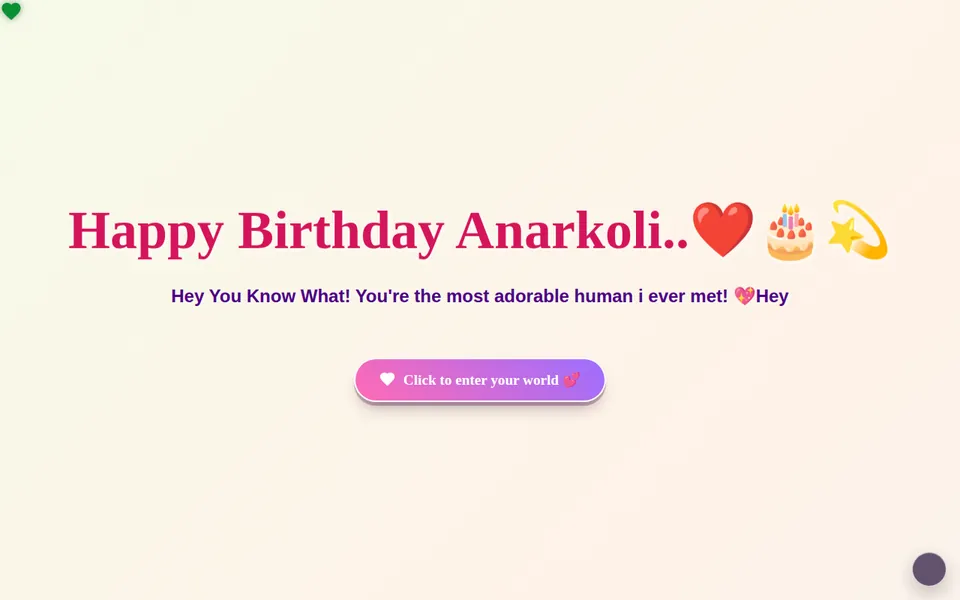 🎂 Master Template
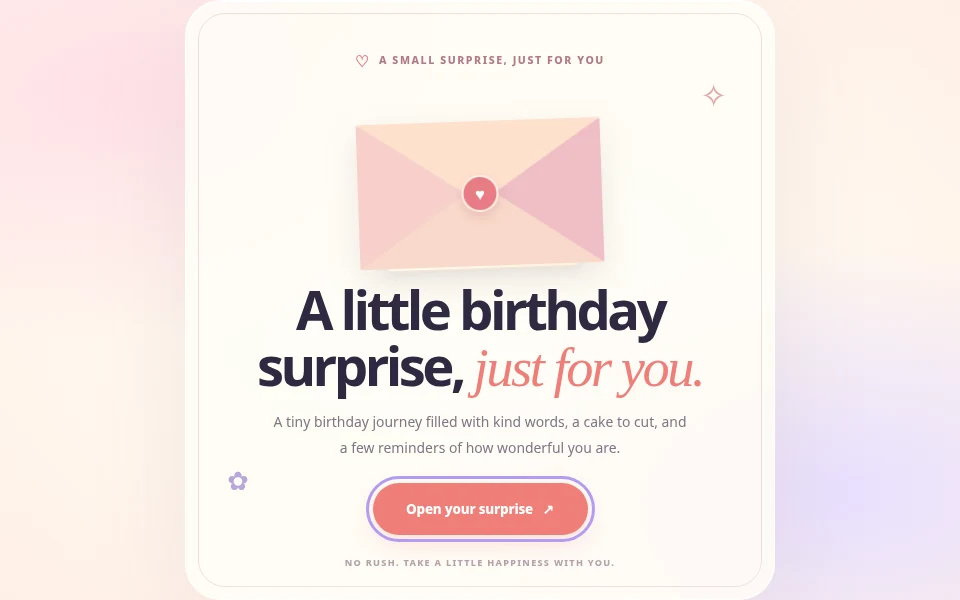 🌞 Birthday for Friend
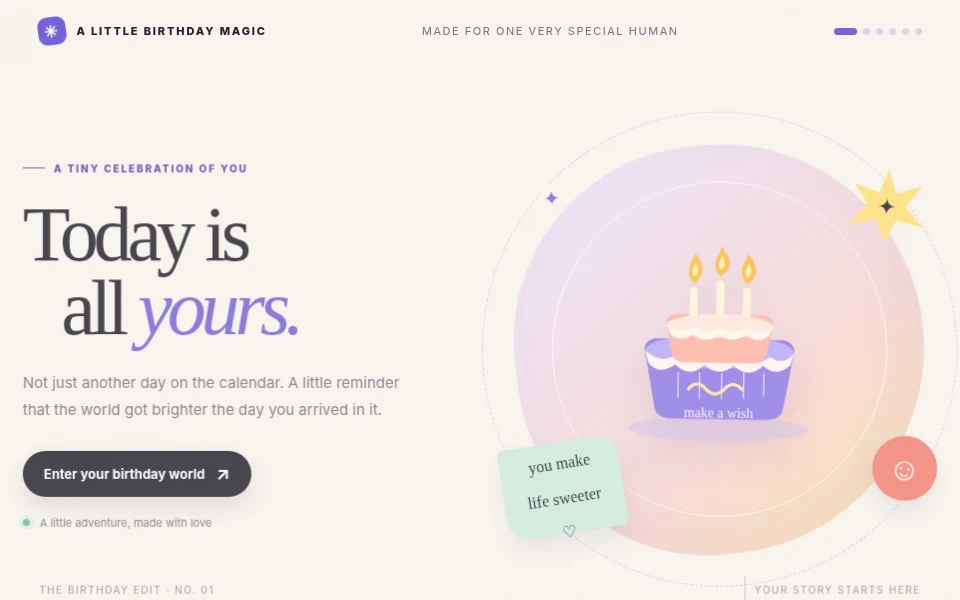 🎂 A Little Birthday Magic