Set the couple names and opening line
Use Quick Setup to enter the groom and bride names. In Edit mode, you can also change the cover heading, seal symbol and instruction. Both names appear on the cover and the invitation card.
TEMPLATE DETAILS
A sky-blue wedding invitation that opens from a glowing wax seal, revealing the couple's names, event details, venue map and a live countdown.
Create a light blue and gold wedding invitation with a sealed-cover reveal. Personalize both names, the ceremony date and time, venue, address and invitation message, then open the card and test the map link and countdown before sharing.
Step-by-step guide to create this template →WHAT YOU CAN CUSTOMIZE
Use Quick Setup to enter the groom and bride names. In Edit mode, you can also change the cover heading, seal symbol and instruction. Both names appear on the cover and the invitation card.
Choose the wedding date and time. The editor lets you switch between 12-hour (AM/PM) and 24-hour time display; the saved event remains the same. Then edit the venue, address, family line and invitation message. The map link is generated from the venue and address.
In Preview, activate the wax seal to reveal the invitation. Check that the displayed Bangladesh event date and time are correct, open the map link, and confirm the countdown is counting toward the chosen moment. Test the page on mobile before publishing.
From the Template Library, open “Blue Sky Wedding Invitation” and choose “Use template”. Sign in when asked. If the editor reopens an existing draft for this template, check that it is the one you intended to continue.
Click a highlighted text, image, video, audio item or button on the canvas to open its editor. Replace the visible sample content with your own. If an item does not open an editing panel, do not assume that it is an editable control in this template.
Use photos and videos you have permission to share. Check image crops, captions, video sources and any profile or destination links that you changed. Never publish private details that should not be visible to anyone with the public link.
Open it in the Wishly Builder. Edit the couple names, event title, family line, message, date and time, venue, address and host line. The countdown and map destination update from the event details.
Yes. The invitation is responsive and can be shared as one public link after you publish it.
Yes. Use the Builder Settings for this template to choose a theme colour or font. Choose Default to restore the original sky-blue and gold colours or the template’s original typography.
MORE INVITATION CARDS
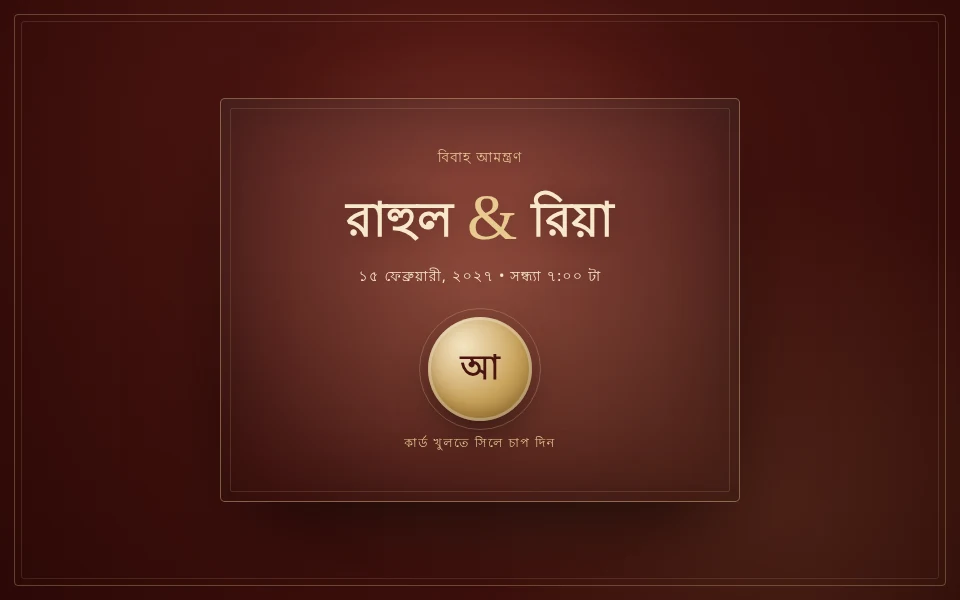 💌 Shubho Bibaho
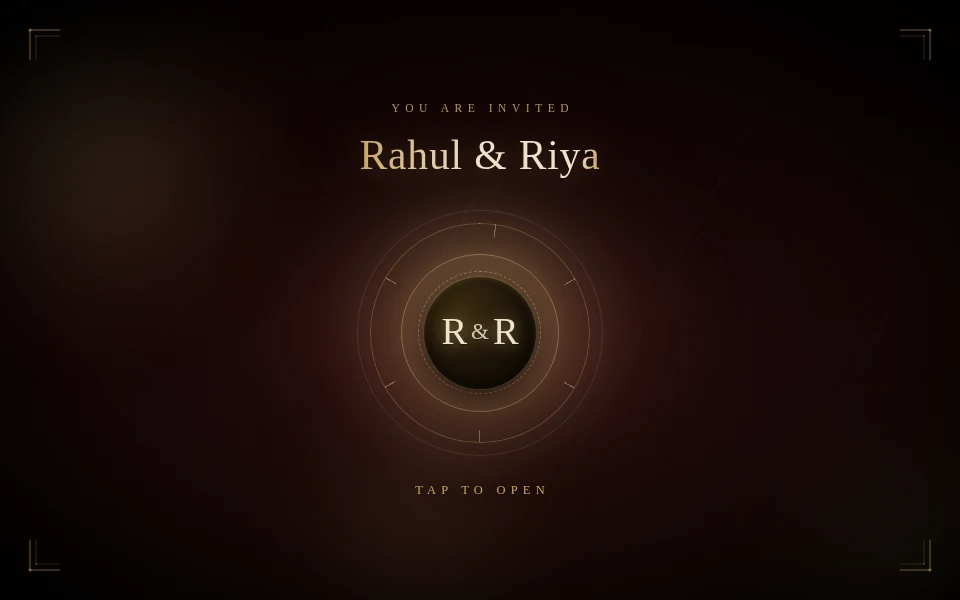 💌 Velvet Royale Wedding Invitation
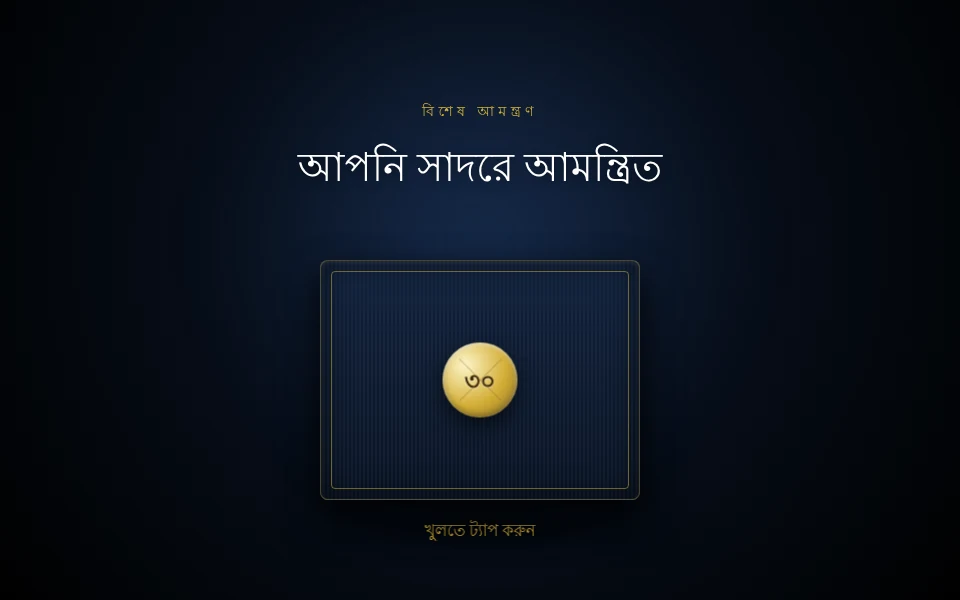 🎁 Shonar Upohar