Write the headline and mood forecast
Personalize the “BREAKING” headline and mood choices. Use a friendly in-joke or a positive personality trait, and check that each choice still makes sense as a birthday mood.
TEMPLATE DETAILS
A playful newspaper-style birthday edition with an interactive mood forecast, expandable birthday notes, personal photos and a scratch-to-reveal secret.
The Birthday Times is a one-day newspaper edition with a mood forecast, expandable notes, photos and a scratch-to-reveal secret. Write headlines that feel playful but are personal to the birthday person.
Step-by-step guide to create this template →WHAT YOU CAN CUSTOMIZE
Personalize the “BREAKING” headline and mood choices. Use a friendly in-joke or a positive personality trait, and check that each choice still makes sense as a birthday mood.
Review the expandable birthday notes and photo section. Make captions specific, use images you have permission to share and remove any item that still contains sample copy.
Preview the scratch-to-reveal interaction and the “Print the good news” action if it is visible. Confirm the secret appears as intended and the final birthday headline is correct.
From the Template Library, open “The Birthday Times” and choose “Use template”. Sign in when asked. If the editor reopens an existing draft for this template, check that it is the one you intended to continue.
Click a highlighted text, image, video, audio item or button on the canvas to open its editor. Replace the visible sample content with your own. If an item does not open an editing panel, do not assume that it is an editable control in this template.
Use photos and videos you have permission to share. Check image crops, captions, video sources and any profile or destination links that you changed. Never publish private details that should not be visible to anyone with the public link.
The Birthday Times is an English birthday website styled like a special newspaper edition, with a birthday mood forecast, expandable notes, photo memories, a scratch-to-reveal message and a celebration overlay.
Yes. Use Quick Setup to add the birthday person’s name, your name and a line for the cover story. You can also click editable text and replace photos in the builder before previewing and publishing.
Yes. Replace the photo slots in the builder with your own images. The template also has local browser photo previews; those local selections do not upload to a server.
MORE BIRTHDAY
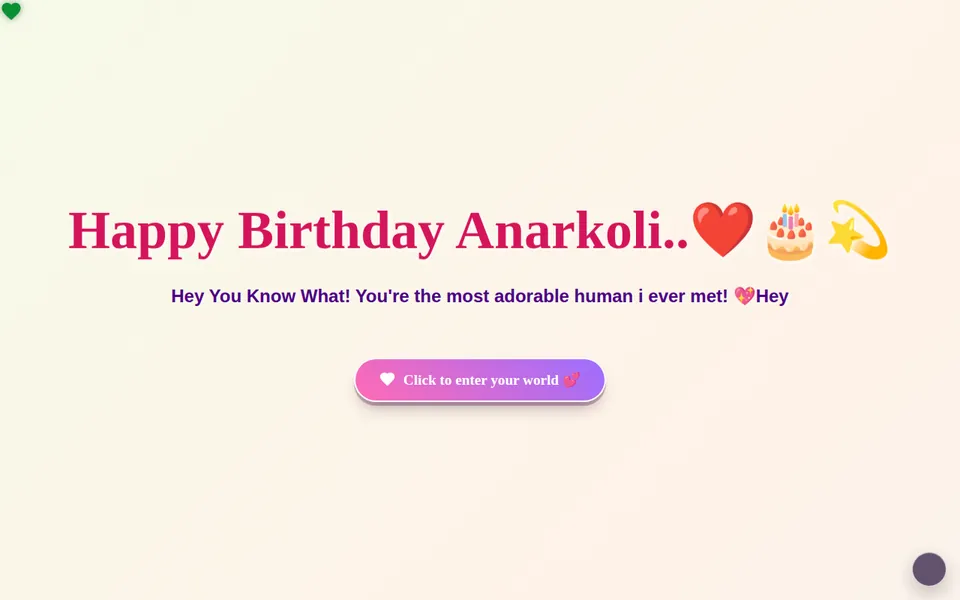 🎂 Master Template
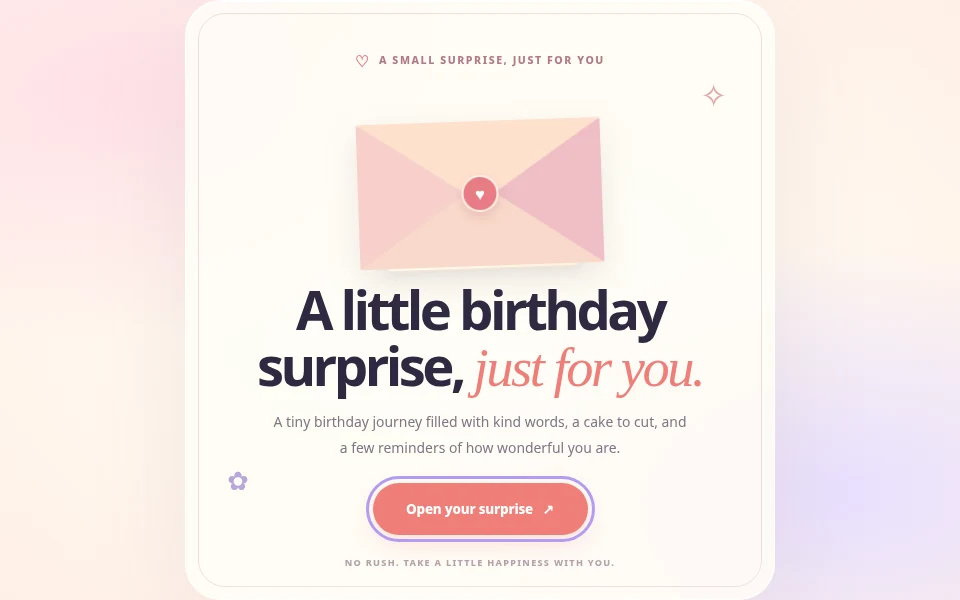 🌞 Birthday for Friend
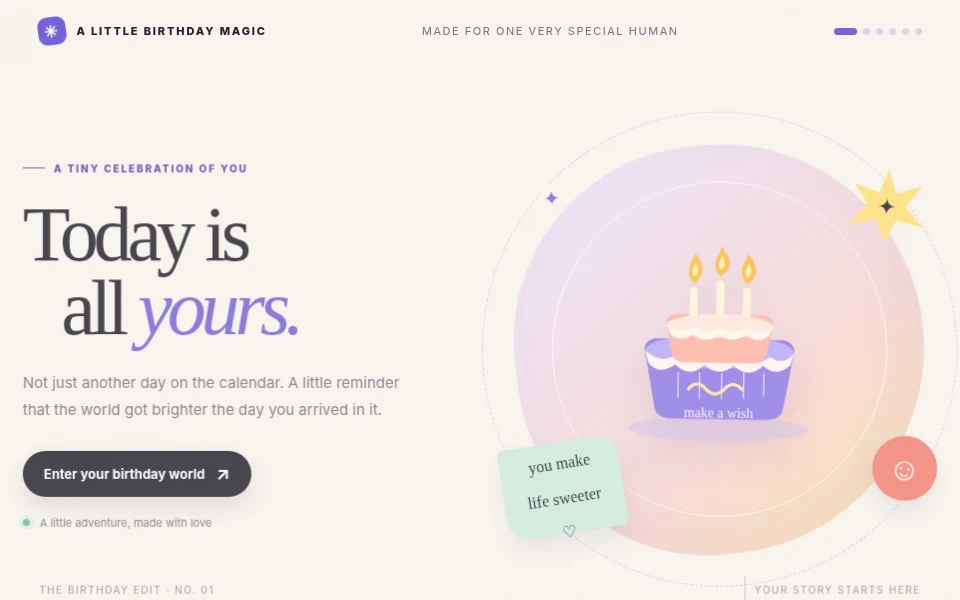 🎂 A Little Birthday Magic