What is Wishly?
Wishly is a web-based tool for making personal pages for birthdays, proposals, anniversaries, apologies, friendship, thank-you messages and other meaningful moments. Instead of sending only a text or a flat greeting card, you can make a page with a message, photographs and the media supported by your chosen template.
The recipient opens the link in a browser. They do not need to install an app or create a Wishly account just to view a published page.
How does it work?
- 1
Choose a design
Browse the template collection and pick a style that fits the occasion and the person. You can preview a design before building.
- 2
Personalize the page
Use the visual editor to change the text and other fields the selected template makes editable. Add your own photos or supported media where they fit.
- 3
Preview before publishing
Open the page on a phone and a computer. Check names, spelling, image crops and the order of the content.
- 4
Publish and share one link
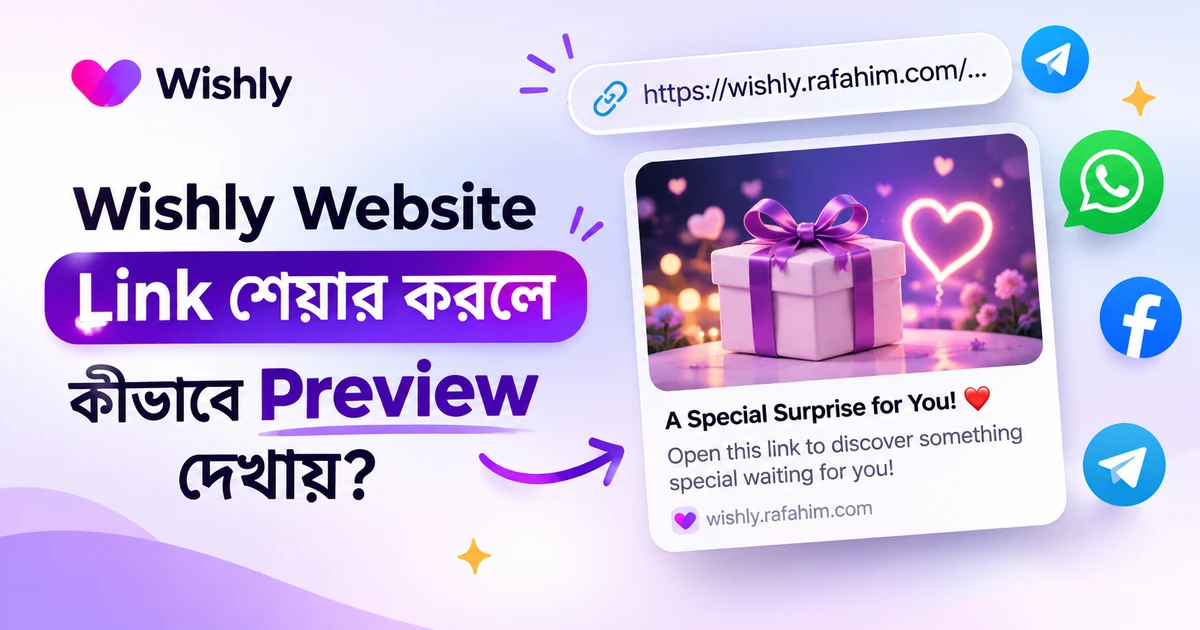
Publish when the page feels ready, then send its link privately or share it through a channel the recipient uses.
What can you make with Wishly?
- A birthday wish website for a partner, friend or family member.
- A proposal page that tells a personal story and asks a clear question.
- An anniversary page with photographs, memories and a note for the future.
- An apology, miss-you message or digital love letter.
- A friendship, congratulations, thank-you or festive greeting page.
Is Wishly only for Bangladesh?
No. Wishly is designed for people in Bangladesh and elsewhere. The experience includes English and Bangla content, so you can choose the language that feels natural for the message. Someone in another country can open the same kind of shareable page in their browser. Keep in mind that the exact templates and editing options can vary by design.
For a message that crosses borders, consider the recipient’s time zone, language and connection speed. A page that loads comfortably on a phone is often the easiest surprise to open.
A few thoughtful things to check before sharing
- Use a name the recipient is comfortable being called.
- Only upload photographs and media you have permission to share.
- Avoid putting private details on a page that may be forwarded.
- Preview the link on mobile and check that the message makes sense without sound.
- Give the recipient room to enjoy the page and respond in their own time.
Start with a moment that matters
The best first project does not need to be complicated. Choose one occasion, write a short message in your own voice and add a photograph that has a story behind it. Wishly gives you a starting design and a place to put those details together. What makes the page memorable is still the thought you put into it.
Common questions
What is Wishly used for?
Wishly is used to create personal wish websites for birthdays, proposals, anniversaries, apologies, friendship, thank-you messages and digital letters.
Is Wishly a website or an app?
Wishly is a web-based website maker. You can use it in a browser, and the person receiving your published link can open it in a browser too.
Do I need coding skills to use Wishly?
No. Start with a template and use the visual editor to personalize the fields supported by that design.
Can people outside Bangladesh use Wishly?
Yes. Wishly pages are shared by link and can be opened in a browser. English and Bangla content is available, while individual template options may vary.
How do I find the official Wishly website?
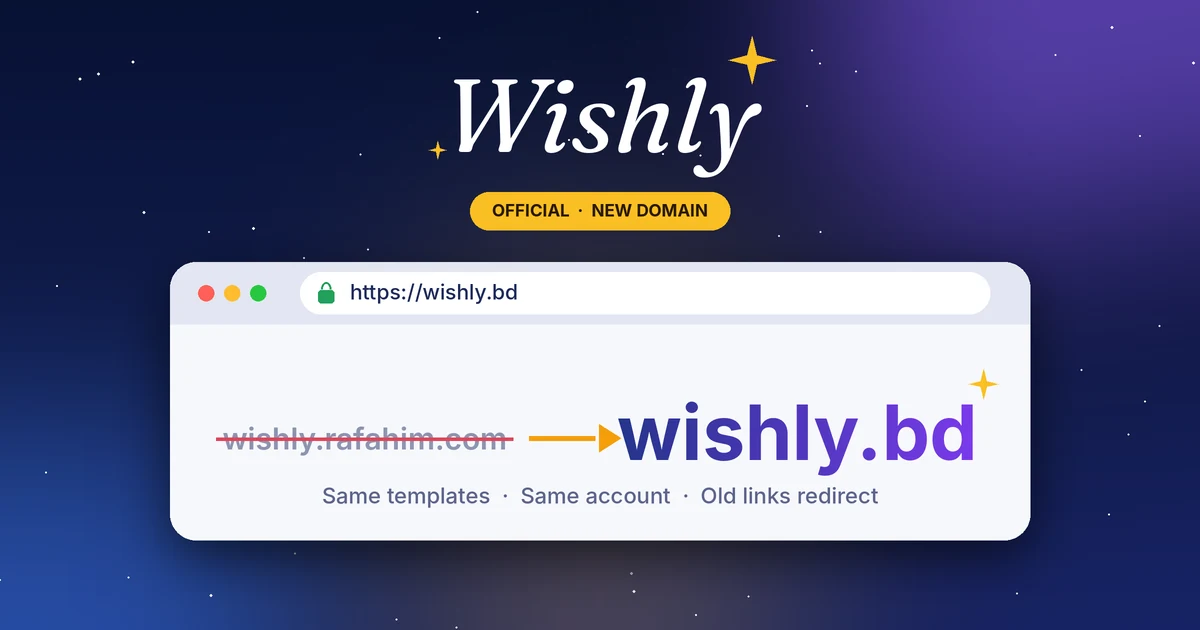
Use the official Wishly website at wishly.bd. Check the domain before signing in or sharing account details.