A birthday experience that unfolds scene by scene
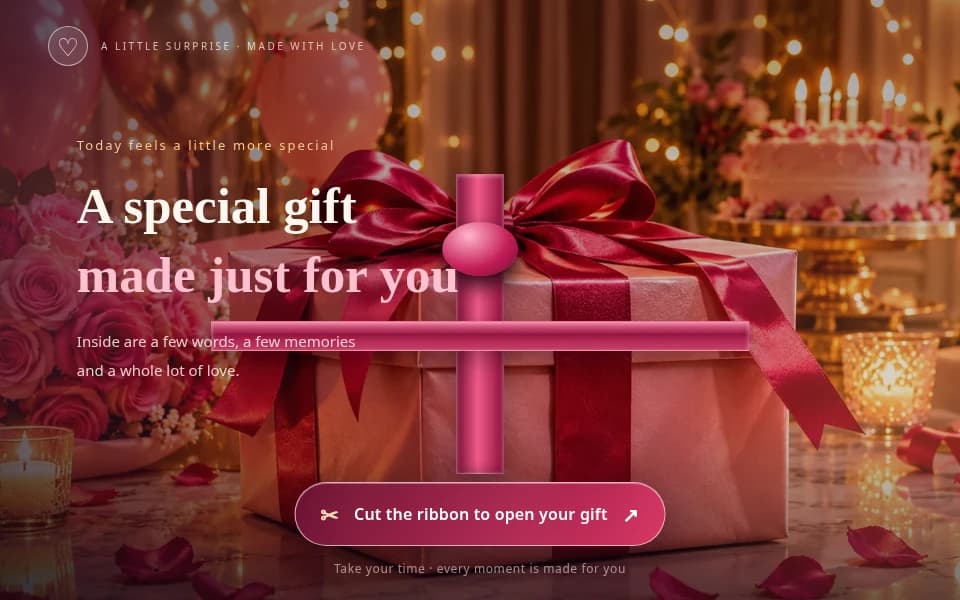
A Birthday to Remember is arranged as a sequence of visual moments. The opening scene sets up the surprise with a ribbon-cutting animation. The birthday greeting follows, with space for the recipient’s name and a message written for them. A letter scene gives you room for a longer note, so the page can move from a playful opening into something more heartfelt.
The experience continues into a birthday cake scene, a sliding puzzle, a small memory gallery and a final gift reveal. Each part has a clear role: welcome the recipient, say what you want them to hear, give them something to interact with, and close with a personal message.
A personal letter and an interactive cake moment
The letter section includes editable recipient and sender names, a title and the main birthday message. The letter can reveal as the person moves through the page, and its built-in button lets them read it again.
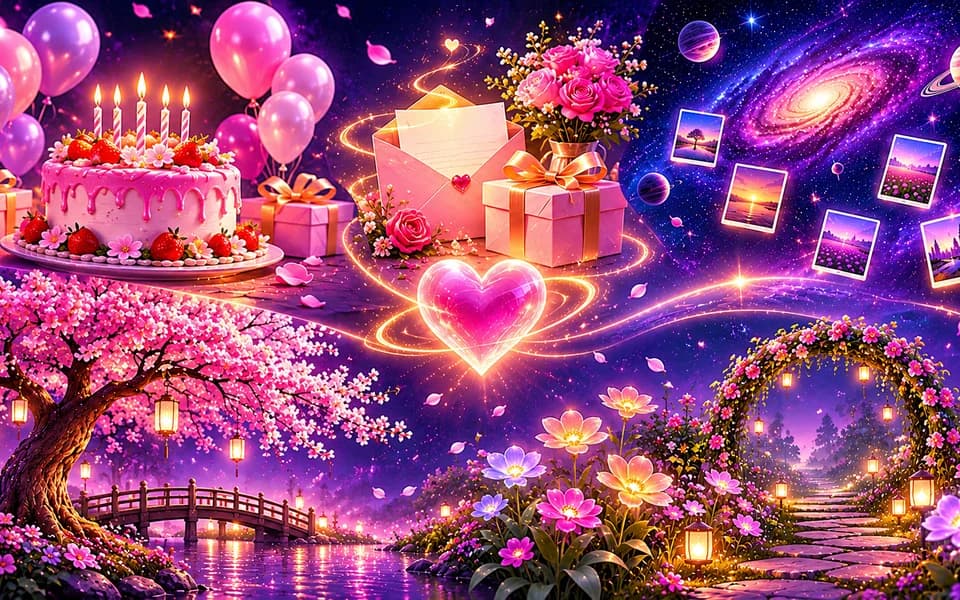
The cake scene adds a small birthday ritual. The recipient first presses the button to blow out the candles. That enables the cake-cutting action; pressing it then plays the cake-cut animation and celebration effects. The order is intentional, giving the moment a simple beginning and finish rather than showing every effect at once.
- Personalise the cake-scene heading and instructions.
- Change the birthday response message that appears during the interaction.
- The cake artwork and cake-scene background remain fixed and are not editable as photos.
Turn one uploaded photo into a 3×3 sliding puzzle
The puzzle is the signature interaction in this template. You only need to upload one photo in the Puzzle Photo field. Wishly uses that image as the source for all nine puzzle tiles, so you do not need to crop, split or upload nine separate files.
The recipient shuffles the board and taps a tile next to the empty space to move it. The page tracks the number of moves and recognises when the picture has been put back together. When the puzzle is solved, a completion message and celebration animation appear. Replacing the source photo updates the puzzle image as well.
- 1
Open the template in the Builder
Choose “A Birthday to Remember – The Memory Puzzle” from the Birthday category and open it in the Wishly Builder.
- 2
Upload one puzzle photo
In Edit mode, choose the Puzzle Photo field and upload the image you want the recipient to solve. The same image is automatically used to create the nine tiles.
- 3
Personalise the puzzle copy
Edit the puzzle heading, instructions and completion message so the game feels connected to the birthday person.
- 4
Preview the interaction
Use Preview to shuffle the puzzle, move adjacent tiles and confirm that the uploaded image appears correctly.
Make the other photos your own, one field at a time
The puzzle photo is not tied to the rest of the website’s pictures. The opening background, birthday hero, letter photo, memory background, three gallery photos and finale background can each be replaced independently. The cake artwork and cake-scene background are fixed parts of the design and cannot be changed in the Builder.
That means you can use one favourite photograph for the puzzle and different photographs for the gallery or other scenes. Replacing one of those independent image fields is not meant to replace its siblings.
- Scene images: opening background, birthday hero background and letter photo.
- Cake artwork: fixed decorative artwork and background; not replaceable.
- Puzzle image: one source photo that automatically feeds the nine tiles.
- Memory and ending images: memory-gallery background, three separately replaceable gallery photos and the finale background.
Personalise the words, then preview before sharing
Use the Builder’s Edit mode to change the recipient and sender names, opening copy, birthday greeting, letter, cake instructions, puzzle text, gallery headings and the final personal message. Repeated names are connected, so changing the recipient or sender name updates the places where that same name appears. Built-in buttons keep their original actions; the template’s interactions are not turned into custom destination links.
When the words and photos feel right, switch to Preview and move through the full experience. Check the page on a phone as well as a computer, make sure the puzzle photo is clear, and read the message once more before publishing. Your published page can then be shared with the birthday person as a link.
- 1
Add the birthday details
Update the names, greeting, letter and final message with details that are meaningful to the recipient.
- 2
Replace the photos you want to use
Upload the puzzle photo and change any other image fields that should show your own photographs.
- 3
Preview the complete journey
Check the ribbon opening, letter, candle and cake sequence, puzzle, gallery and final gift on desktop and mobile.
- 4
Publish and share
Publish the website when you are happy with it, then send the live link to the person celebrating.

Common questions
Do I need nine photos to make the puzzle?
No. Upload one photo in the Puzzle Photo field. A Birthday to Remember automatically uses it to create the nine tiles of the 3×3 sliding puzzle.
Can I change the puzzle photo later?
Yes. Replace the image in the Puzzle Photo field. The puzzle uses the updated image as its source.
Can I replace the gallery photos separately?
Yes. Each of the three memory-gallery photos has its own independent image field. The opening, hero, letter, memory and finale images can also be changed separately. The cake artwork and cake-scene background are fixed.
Can I edit the birthday names and messages?
Yes. The recipient and sender names, greeting, letter, cake copy, puzzle text, gallery text and final message have editable fields in the Wishly Builder.
Is “A Birthday to Remember” an English template?
Yes. The template’s visible copy is in English, and it is listed in the Birthday category rather than the Bengali template filter.
How do I share the finished birthday website?
Preview your changes, publish the website, then copy its live link and send it to the birthday person.